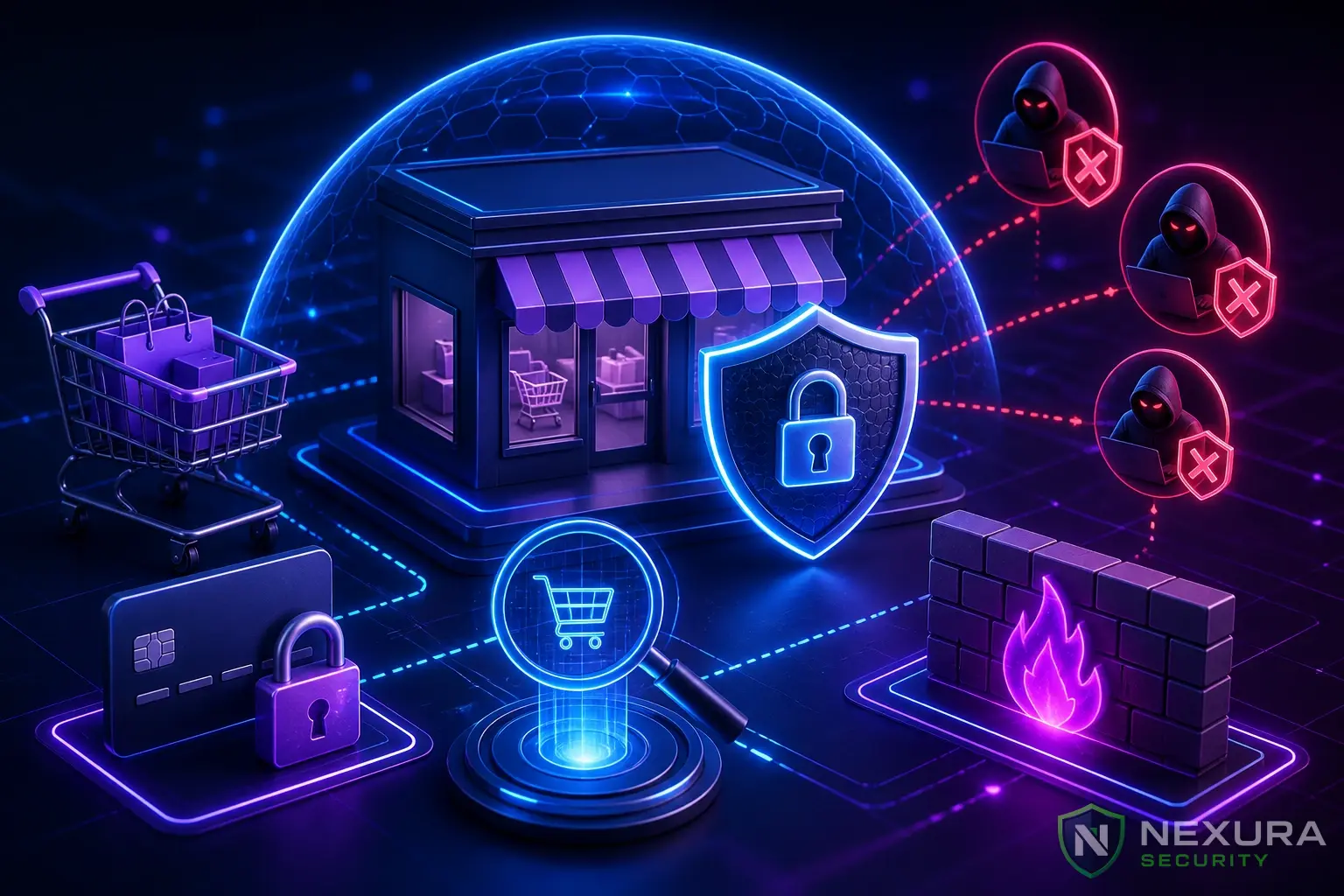
Running a WooCommerce store means you are handling sensitive customer data, processing payments, and managing inventory. A single security breach can result in severe financial loss, reputation damage, and legal penalties under GDPR or PCI DSS. In 2026, e-commerce platforms are the #1 target for automated botnets and targeted cyberattacks.
This ultimate guide provides a comprehensive, step-by-step technical approach to securing your WooCommerce store. We will cover server-level hardening, database security, payment gateway fraud prevention, and application-level firewalls. Whether you are a store owner or a technical administrator, this guide is your blueprint for enterprise-grade WooCommerce security.
Need immediate help?
If your site is currently hacked or showing warnings, our incident response team can help right now.
1. The High Stakes of WooCommerce Security
Unlike standard WordPress blogs, WooCommerce stores store Personally Identifiable Information (PII) including names, addresses, purchase history, and sometimes payment tokens. Hackers target e-commerce sites for several reasons:
- Card Testing Fraud: Cybercriminals use automated scripts to test stolen credit card numbers against your checkout endpoints.
- Customer Data Theft: Extracting PII to sell on the dark web or use for identity theft.
- Ransomware: Encrypting your customer database and demanding cryptocurrency for the decryption key.
- Magecart Attacks: Injecting malicious JavaScript (XSS) into the checkout page to skim credit card details in real-time.
2. Server-Level Hardening & Secure Hosting
Security starts at the infrastructure level. Shared hosting is generally inadequate for WooCommerce due to poor resource isolation. We strongly recommend Managed WordPress Hosting, VPS, or dedicated servers.
Upgrade to Nexura Pro
Get enterprise-grade protection. Block zero-day exploits, advanced malware, and brute-force attacks instantly.
LIMITED TIME LAUNCH OFFER
Enforce TLS 1.3 and HSTS
Always encrypt data in transit. Ensure your server is configured to use TLS 1.2 or ideally TLS 1.3. You should also enable HTTP Strict Transport Security (HSTS) in your server configuration to force browsers to use HTTPS.
NGINX HSTS Configuration
server {
    listen 443 ssl http2;
    server_name yourstore.com;

    # Enable HSTS (1 year = 31536000 seconds)
    add_header Strict-Transport-Security "max-age=31536000; includeSubDomains; preload" always;
}
File Permissions
Incorrect file permissions are a common vector for malware infections. WooCommerce requires strict permissions:
- Directories:
755 - Files:
644 wp-config.php:440or400
3. Hardening the WordPress Database
WooCommerce relies heavily on the database (specifically the wp_posts, wp_postmeta, and custom WooCommerce order tables). SQL Injection (SQLi) is a massive threat here. For example, CVE-2021-24811 was a severe vulnerability in a WooCommerce extension that allowed unauthenticated SQL injection.
Change the Default Table Prefix
Automated SQLi tools often assume your tables start with wp_. Changing this to something random like woo_sec_99_ adds a layer of obscurity.
Disable File Editing from the Dashboard
If an attacker gains administrative access, they can use the built-in theme/plugin editor to inject malicious PHP. Disable this completely by adding this to your wp-config.php:
wp-config.php Security Constants
// Disable File Editor
define( 'DISALLOW_FILE_EDIT', true );

// Force SSL for Admin
define( 'FORCE_SSL_ADMIN', true );
4. Protecting the Login and Checkout Endpoints
The "My Account" and "Checkout" pages are the most attacked URLs on any WooCommerce site.
Implement Two-Factor Authentication (2FA)
Every administrator, shop manager, and ideally, every customer should use 2FA. Stolen credentials account for over 60% of data breaches. Using a TOTP app (like Google Authenticator) drastically reduces this risk.
Stop Card Testing (Carding) Attacks
Card testing occurs when botnets repeatedly hit your checkout with stolen card numbers. To stop this:
- Implement Rate Limiting: Restrict the number of failed checkout attempts per IP address.
- Use Cloudflare Turnstile or reCAPTCHA: Add invisible bot protection to your checkout form.
- Fraud Detection APIs: Use payment gateways like Stripe or PayPal that offer built-in machine learning fraud detection (e.g., Stripe Radar).
5. Preventing Cross-Site Scripting (XSS) and Magecart
Magecart attacks happen when a hacker injects malicious JavaScript into your store. When a customer enters their credit card, the script silently sends the card details to the hacker's server. This usually happens via an XSS vulnerability in a third-party plugin.
Content Security Policy (CSP)
A CSP strictly defines which domains are allowed to load scripts on your site. If a hacker injects a script pointing to evil-domain.com, the browser will block it.
Apache .htaccess CSP Example
<IfModule mod_headers.c>
    Header set Content-Security-Policy "default-src 'self'; script-src 'self' https://js.stripe.com; frame-src https://js.stripe.com;"
</IfModule>
6. Eliminating Vulnerable Plugins
According to OWASP, using components with known vulnerabilities is a critical security risk. Over 90% of WordPress hacks originate from vulnerable plugins or themes.
- Audit Regularly: Delete any unused or inactive plugins.
- Update Immediately: Enable auto-updates for security patches.
- Vet Developers: Only install WooCommerce extensions from reputable sources (the official WooCommerce marketplace or established vendors). Avoid "nulled" or pirated plugins, which almost always contain backdoors.
7. Real-Time Activity Logging and Monitoring
You cannot protect what you cannot see. Comprehensive audit logging is essential for WooCommerce. You need to track:
- Failed login attempts (potential brute-force).
- Changes to plugin or theme files.
- Product price changes (a common tactic is a hacker changing a $500 product to $1 and buying it).
- Admin user creation.
8. Establishing a Rock-Solid Backup Strategy
For a standard blog, a daily backup is fine. For WooCommerce, a daily backup is catastrophic. If your site crashes at 4 PM, restoring a backup from 12 AM means you lose 16 hours of orders, customer registrations, and transaction data.
Requirement: You must use a Real-Time (or hourly incremental) backup solution. Services like Jetpack VaultPress or BlogVault capture every single order as it happens and sync it to a secure off-site cloud.
9. How Nexura Security Automates WooCommerce Protection
Securing a WooCommerce store manually requires constant vigilance, server administration skills, and complex configurations. This is why we built Nexura Security.
Nexura Security is designed with e-commerce in mind, offering a zero-configuration, enterprise-grade shield:
- Web Application Firewall (WAF): Our WAF intercepts SQLi, XSS, and bad bots at the PHP level before they ever hit the WooCommerce engine.
- Brute-Force Protection: Automatically bans IPs that exhibit card-testing or brute-force behavior on the checkout and login pages.
- Core File Integrity Monitoring: Instantly detects if a hacker attempts to modify your core files to inject Magecart skimming scripts.
- Zero Database Bloat: Unlike other security plugins that slow down WooCommerce by filling the
wp_optionstable, Nexura uses a lightweight micro-batching architecture.
Conclusion
WooCommerce security is not a one-time checklist; it is a continuous process of hardening, monitoring, and updating. By implementing server-level security, securing the database, mitigating XSS, and utilizing a robust Web Application Firewall like Nexura Security Pro, you can ensure your customers' data remains safe and your revenue stream is uninterrupted.
For more detailed guidelines, always refer to the official WooCommerce Security Documentation.