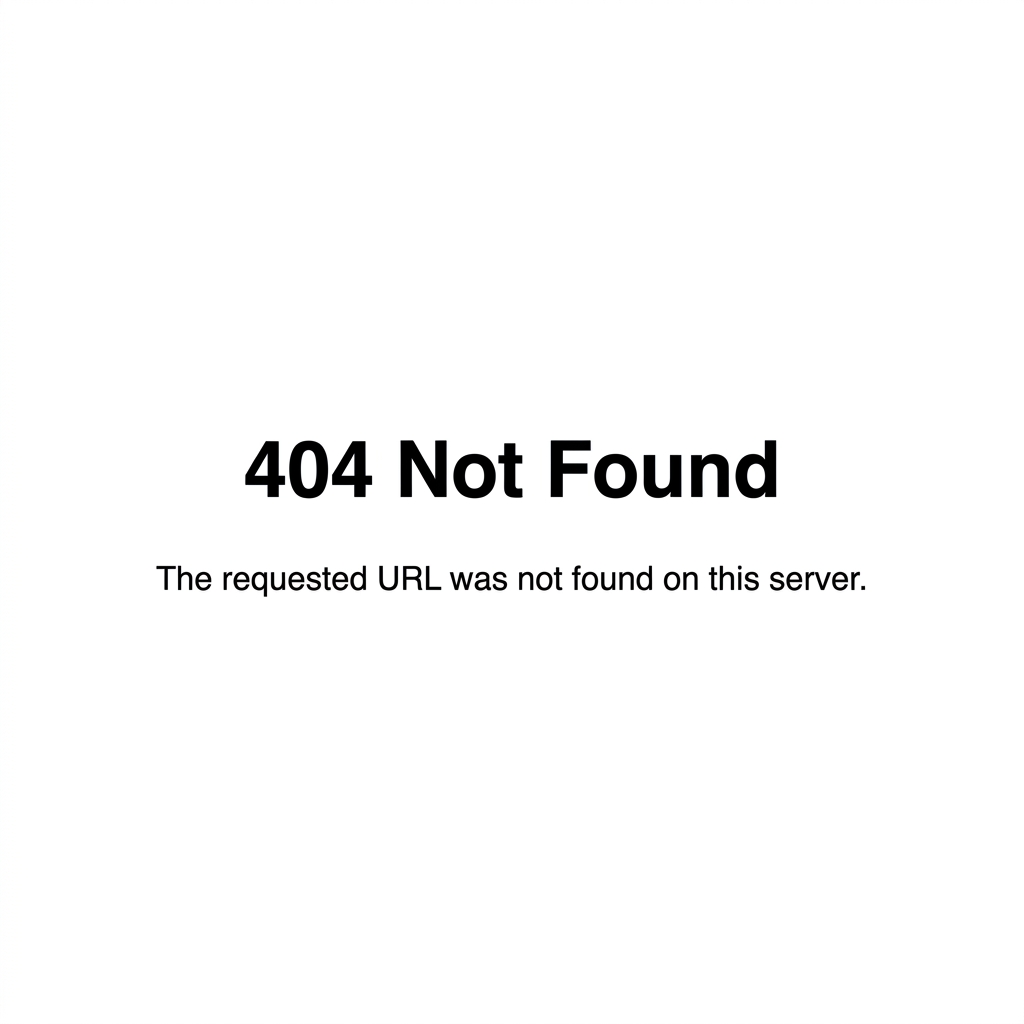
It's a strange and frustrating issue: Your website's homepage loads perfectly, but the moment you click on a blog post, a product, or a contact page, you are met with a bold 404 Page Not Found error.
Why Does This Happen?
This is almost always a "Broken Permalink" issue. WordPress uses a set of rewrite rules stored in your .htaccess file to create pretty URLs (like /blog-post-name/). If these rules get deleted, corrupted, or ignored by the server, WordPress forgets how to route the URLs, resulting in a 404.
Need immediate help?
If your site is currently hacked or showing warnings, our incident response team can help right now.
This can happen after migrating a site, installing a new caching plugin, or sadly, if a hacker intentionally breaks your site structure.
The 10-Second Fix
Fixing broken permalinks is one of the easiest troubleshooting steps in WordPress:
Upgrade to Nexura Pro
Get enterprise-grade protection. Block zero-day exploits, advanced malware, and brute-force attacks instantly.
LIMITED TIME LAUNCH OFFER
- Log into your WordPress Dashboard.
- Navigate to Settings > Permalinks.
- Do not change any settings. Simply scroll to the bottom and click the Save Changes button.
Clicking "Save Changes" forces WordPress to flush its rewrite rules and generate a brand new, working .htaccess file. Refresh your inner pages, and they should all work again!
Protect Your Site Structure
If your permalinks break frequently without your input, you might have a rogue plugin or a security breach. Nexura Security includes a File Integrity Monitor that watches your .htaccess and core files 24/7. If anyone (or anything) tries to alter your site structure, Nexura will alert you instantly and block the change.
Ensure your site never loses traffic to 404 errors again with Nexura Security.