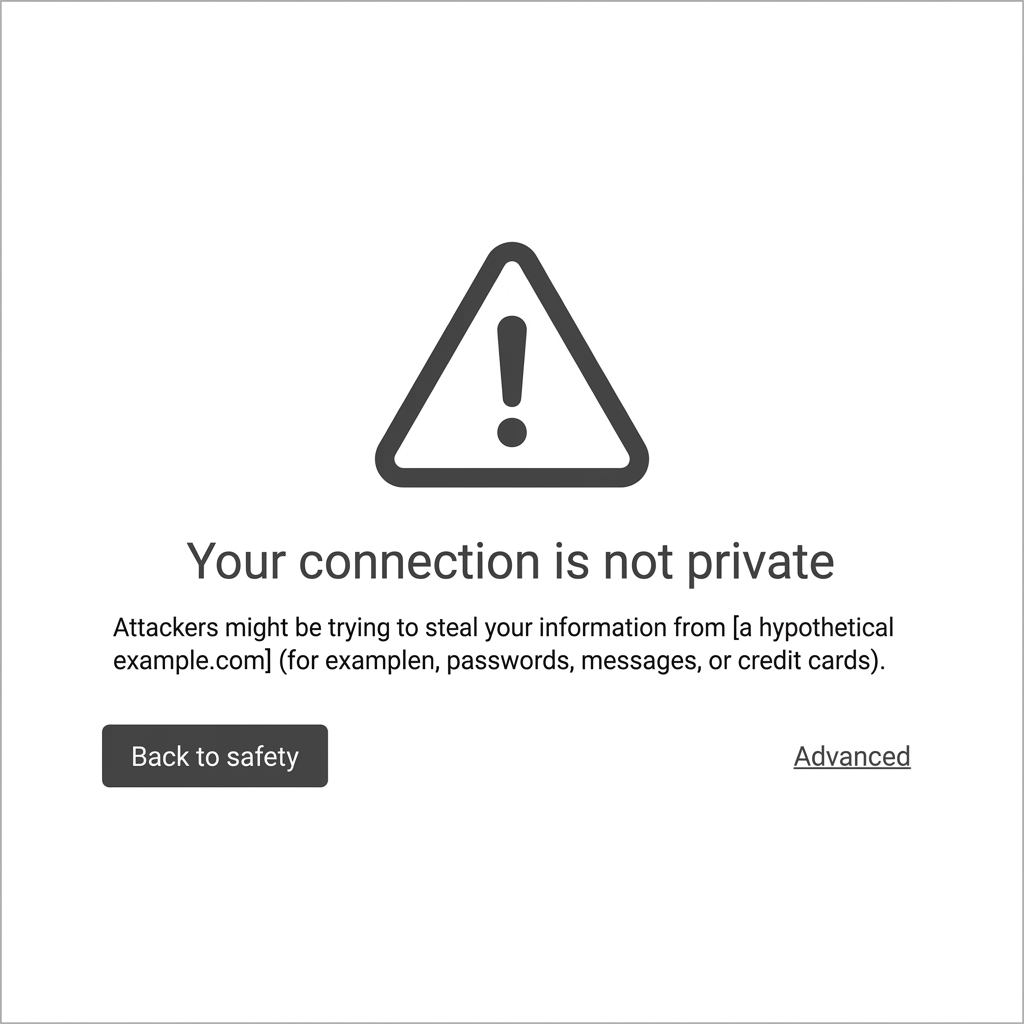
Are you seeing a bright red screen that says "Deceptive site ahead" when you try to access your website? This is one of the most feared Google Safe Browsing warnings for any website owner. It instantly blocks visitors and causes your SEO rankings to plummet.
If you are searching for a way to fix the "Deceptive site ahead" error, you have come to the right place. This warning means Google has detected phishing scripts, social engineering content, or malware on your site that could trick visitors into sharing personal information (like passwords or credit card numbers).
Need immediate help?
If your site is currently hacked or showing warnings, our incident response team can help right now.
Why Are You Seeing "Deceptive site ahead"?
Hackers often target vulnerable WordPress websites to inject malicious code. If you are seeing this red screen, it is highly likely that your website has been compromised. The most common causes include:
- A hacked WordPress plugin or theme.
- Malicious redirects hidden in your database.
- Phishing pages disguised as bank logins or surveys.
How to Fix It Fast
Step 1: Scan and Clean Your Website
You cannot remove the "Deceptive site ahead" warning without completely removing the malware first.
Upgrade to Nexura Pro
Get enterprise-grade protection. Block zero-day exploits, advanced malware, and brute-force attacks instantly.
LIMITED TIME LAUNCH OFFER
- Install Nexura Security, the ultimate WordPress security plugin.
- Run a deep malware scan to detect hidden backdoors, phishing scripts, and corrupted files.
- Use the Nexura Security dashboard to clean the infected files instantly.
Step 2: Request a Review from Google
Once your site is 100% clean using Nexura Security:
- Log into your Google Search Console.
- Navigate to the Security Issues tab.
- Click the Request Review button and explain that you have removed all deceptive content and secured your site using a firewall.
Within 24 to 72 hours, Google will remove the "Deceptive site ahead" red screen, and your traffic will return to normal!
Don't wait until you get hacked again. Protect your website today with Nexura Security Pro and block hackers before they can trigger another red screen!