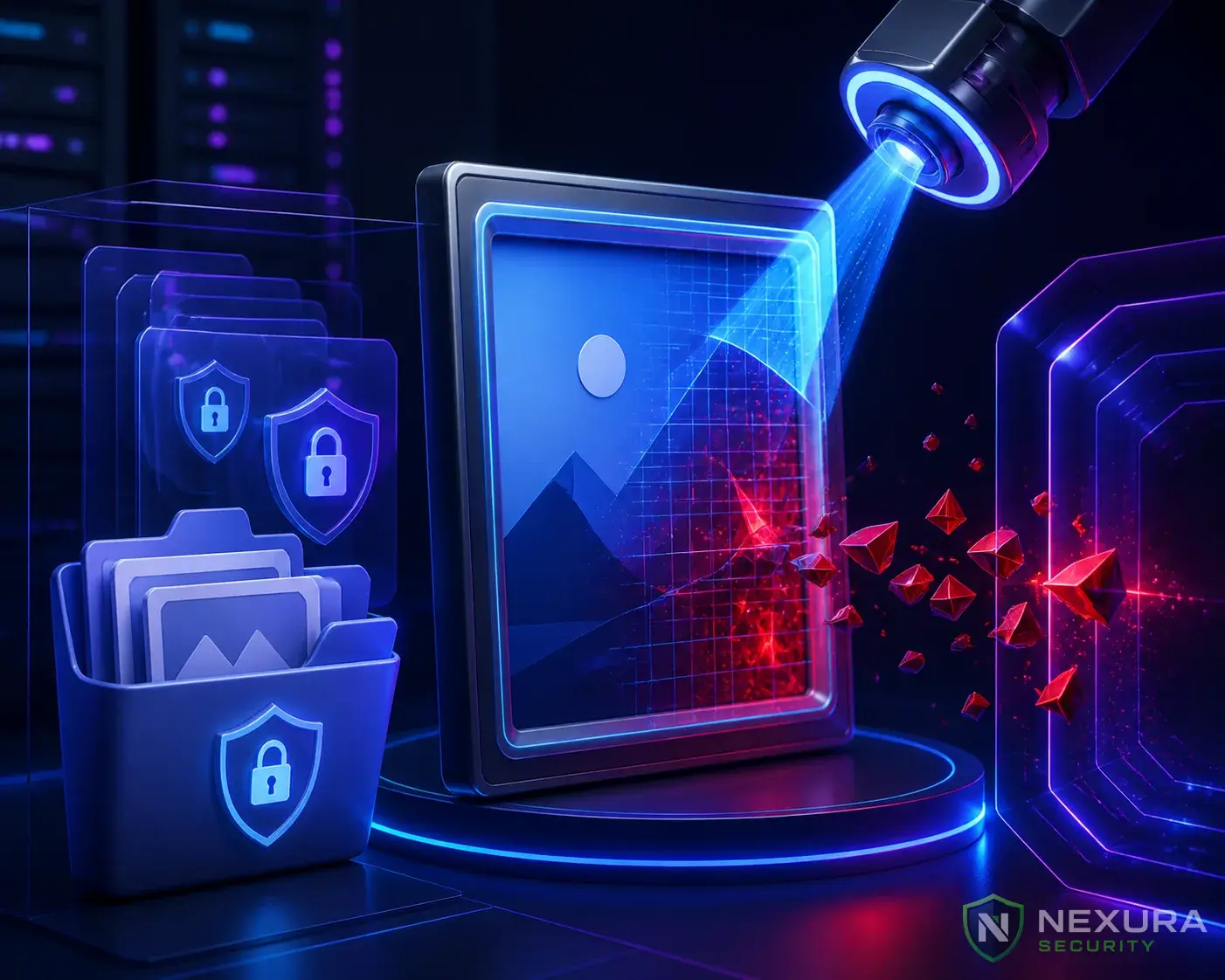
The Harsh Reality of Cyber Attacks
No matter how many firewalls, malware scanners, and security plugins you install, there is always a non-zero chance that a hacker finds a way in. A zero-day vulnerability in a popular theme can lead to your entire website being wiped out or encrypted by ransomware in seconds.
When prevention fails, Backups are your only lifeline.
Need immediate help?
If your site is currently hacked or showing warnings, our incident response team can help right now.
The "My Host Backs It Up" Fallacy
Many WordPress owners sleep peacefully believing their hosting provider handles backups. This is dangerous for three reasons:
- Shared Fate: If the hosting provider's entire datacenter is compromised or physically damaged, their backup servers often go down with it.
- Restoration Fees: Some budget hosts offer "free backups" but charge steep fees (sometimes $150+) to actually click the restore button.
- Infected Backups: If you don't notice a hack for 14 days, but your host only keeps 7 days of backups, every single backup you have is already infected with malware.
The 3-2-1 Backup Strategy for WordPress
Enterprise IT professionals swear by the 3-2-1 rule. Here is how to apply it to your WordPress site:
Upgrade to Nexura Pro
Get enterprise-grade protection. Block zero-day exploits, advanced malware, and brute-force attacks instantly.
LIMITED TIME LAUNCH OFFER
- 3 Copies of Your Data: You need your live site, a local backup, and a remote backup.
- 2 Different Media Types: Don't store your backup on the exact same server type as your live site.
- 1 Off-Site Location: Your backups MUST be sent to an external cloud provider (like Google Drive, Amazon S3, or Dropbox) completely disconnected from your hosting account.
How to Implement Off-Site Backups
Use a reputable backup plugin like UpdraftPlus, Solid Backups, or BlogVault. Configure it to run automatically (daily for the database, weekly for files) and force it to push the encrypted zip files directly to your private Google Drive or AWS S3 bucket. Never leave backup ZIP files sitting inside your wp-content folder, as hackers will easily download them to steal your database credentials.