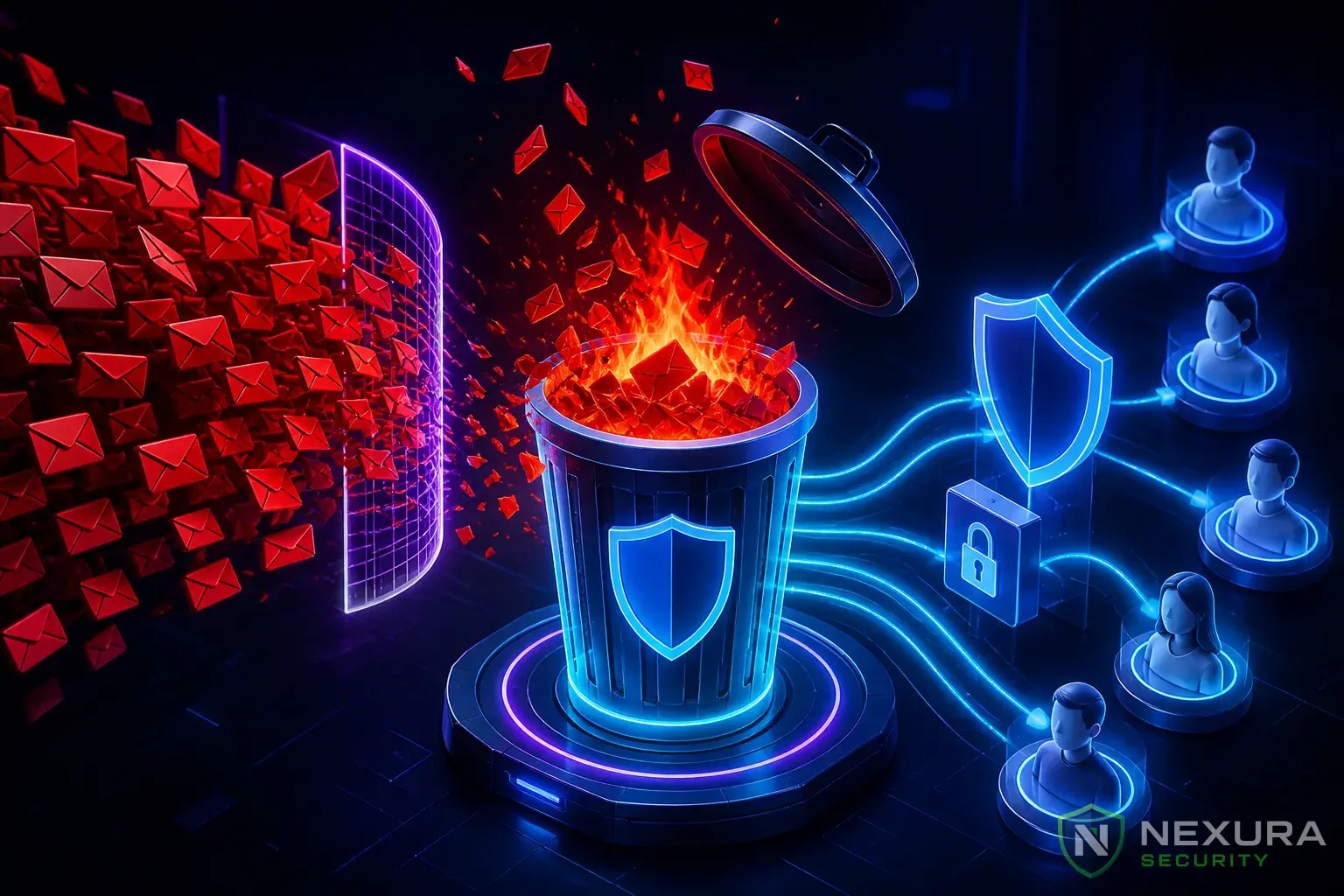
The Trojan Horse of WordPress
If you run a membership site, a WooCommerce store allowing custom designs, or a forum, you likely allow users to upload files (like profile pictures or PDFs). This is one of the most dangerous features you can enable on a web server.
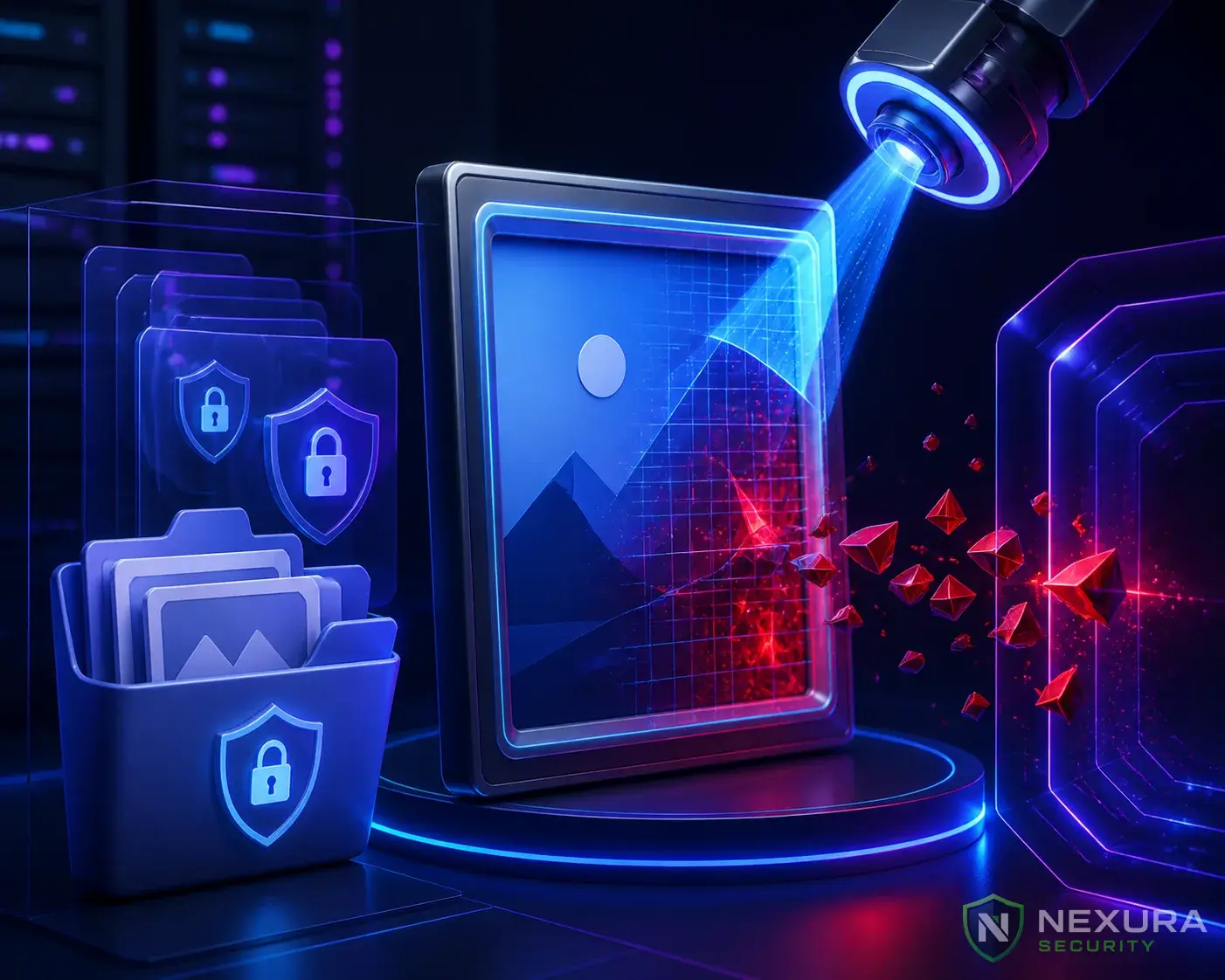
Hackers use file upload forms to upload "Web Shells"—malicious PHP scripts that give them total remote control over your server. To bypass basic security, they rename their script from malware.php to malware.php.jpg or disguise the PHP code inside the EXIF data of a legitimate image.
Need immediate help?
If your site is currently hacked or showing warnings, our incident response team can help right now.
How to Secure the Uploads Folder
By default, WordPress uploads files to the wp-content/uploads directory. To secure your server, you must ensure that even if a hacker successfully uploads a PHP script to this folder, the server refuses to execute it.
1. Disable PHP Execution in Uploads
You must tell your server that the uploads folder is for static media only, and no scripts should ever run there. If you use an Apache server, create a new .htaccess file inside the wp-content/uploads/ folder and add this code:
Upgrade to Nexura Pro
Get enterprise-grade protection. Block zero-day exploits, advanced malware, and brute-force attacks instantly.
LIMITED TIME LAUNCH OFFER
<Files *.php>
deny from all
</Files>
Now, if a hacker navigates to yoursite.com/wp-content/uploads/malware.php, the server will return a 403 Forbidden error instead of running the virus.
Note: Nexura Security provides a 1-click hardening toggle to disable PHP execution in the uploads directory automatically.
2. Restrict MIME Types
Ensure WordPress is strictly checking file types. Do not rely on file extensions (like .jpg). Use server-side checking to ensure the MIME type of the uploaded file actually matches its contents. Limit allowed uploads strictly to standard images (JPEG, PNG, WebP) and documents (PDF) unless absolutely necessary.
3. Regular AST Scanning
Even with execution disabled, you don't want malware sitting on your server. Run scheduled deep scans with Nexura Security to identify and quarantine disguised backdoors hiding inside your media folders.