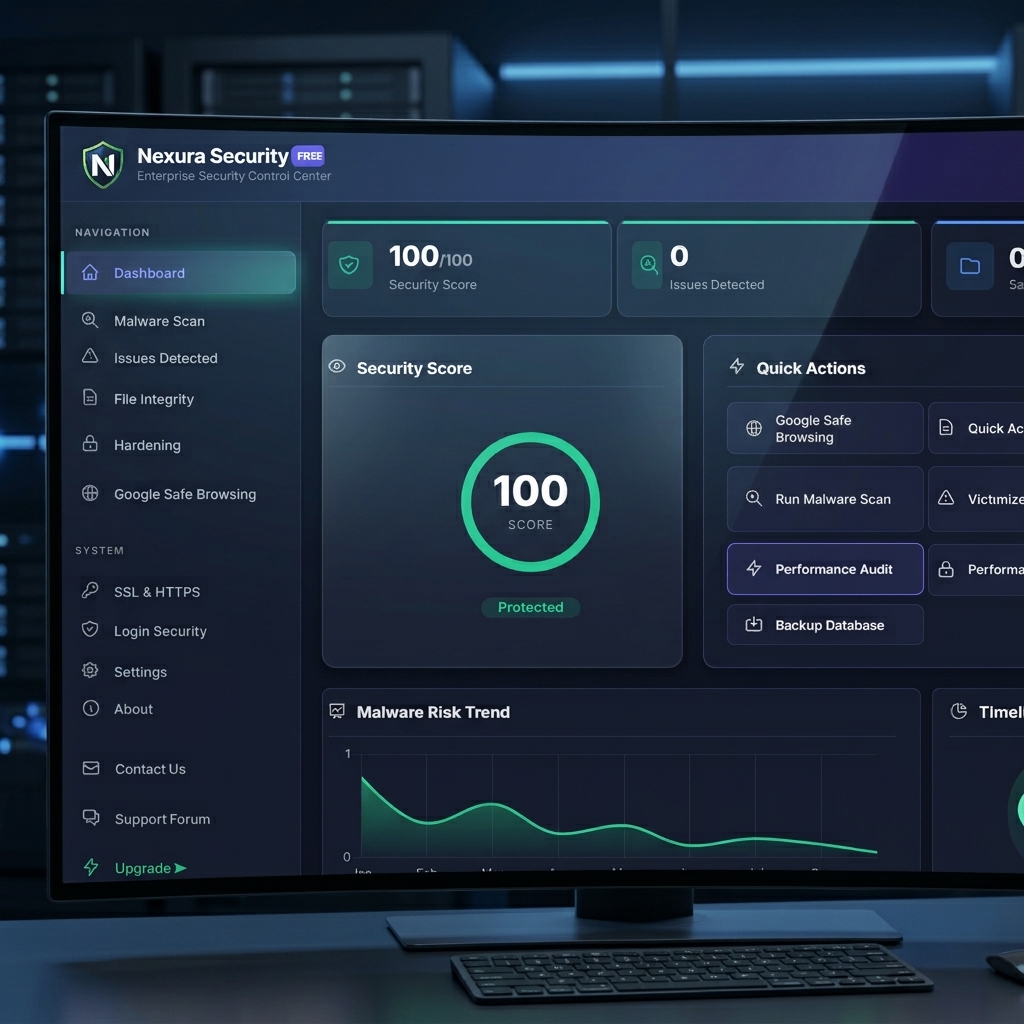
Introduction: The Threat of Outdated Plugins
The vast ecosystem of over 60,000 plugins is WordPress's greatest strength, but also its largest attack vector. Hackers don't usually target WordPress core; they target abandoned, poorly coded, or outdated plugins. A WordPress Vulnerability Scanner automates the process of identifying these weak links.
How Vulnerability Scanners Work
A vulnerability scanner compares the exact versions of the themes and plugins installed on your server against a comprehensive Threat Intelligence Database (like WPScan or Patchstack).
Need immediate help?
If your site is currently hacked or showing warnings, our incident response team can help right now.
The CVE Ecosystem
When a security researcher discovers a flaw (e.g., an SQL Injection in WooCommerce), they request a CVE (Common Vulnerabilities and Exposures) ID. The vulnerability is logged in databases globally. The scanner continuously queries these databases.
// Conceptual API Check
// Send active plugin list to intelligence API
$response = api_call('/check-vulnerabilities', ['plugins' => $active_plugins]);

if ($response->has_critical_cve) {
    alert_admin($response->cve_details);
}
Virtual Patching Integration
The most advanced vulnerability scanners integrate directly with a Pre-Boot WAF. If a critical vulnerability is detected on your site, but the plugin developer hasn't released an update yet, the WAF can instantly deploy a "Virtual Patch"—a specific firewall rule designed to block the exploit payload, keeping you safe while you wait for the official fix.
Upgrade to Nexura Pro
Get enterprise-grade protection. Block zero-day exploits, advanced malware, and brute-force attacks instantly.
Conclusion
Manual checking is impossible. An automated vulnerability scanner is a mandatory component of our Ultimate Security Guide. It shifts your security posture from reactive (cleaning up malware) to proactive (patching the hole before the hacker finds it).
About the Author: Nexura Security Research Team. We research WordPress malware, vulnerabilities, WAF protection and website security to provide practical security guidance for WordPress site owners. Updated: August 2026.