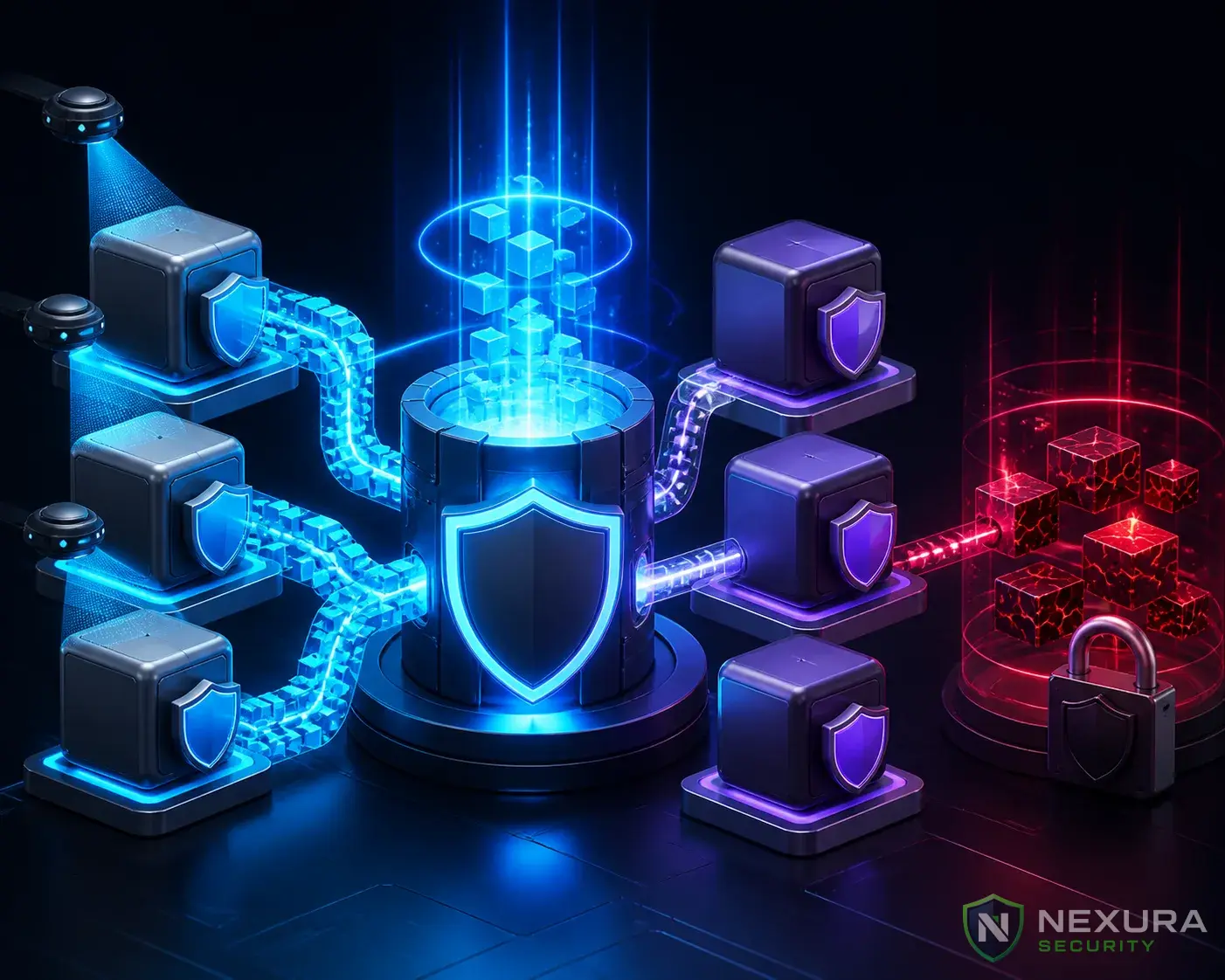
The True Cost of Cheap Hosting
When you start a new WordPress site, $2/month shared hosting seems like an incredible deal. Shared hosting means your website lives on a single physical server alongside hundreds, or even thousands, of other websites owned by different people.
While this is great for your wallet, it introduces several significant security vulnerabilities that you cannot control.
Need immediate help?
If your site is currently hacked or showing warnings, our incident response team can help right now.
Risk #1: Cross-Site Contamination
This is the biggest threat in shared hosting. If the hosting company does not properly isolate (sandbox) each account, a hacker who compromises a vulnerable website on the server can traverse the server's directory structure and infect your website, even if your WordPress installation is 100% secure and updated.
Risk #2: The "Noisy Neighbor" Syndrome (DDoS)
In shared hosting, everyone shares the same server resources (CPU, RAM, Bandwidth). If one of the 500 websites on your server is targeted by a massive DDoS attack, the entire server will crash, taking your perfectly innocent website offline with it.
Upgrade to Nexura Pro
Get enterprise-grade protection. Block zero-day exploits, advanced malware, and brute-force attacks instantly.
LIMITED TIME LAUNCH OFFER
Risk #3: IP Blacklisting
All websites on a shared server usually share a single IP address. If a spammer buys an account on your server and sends out millions of spam emails, that IP address will be blacklisted by Gmail, Outlook, and Google. Because you share that IP, your legitimate emails will go to the spam folder, and your site might suffer SEO penalties.
How to Secure a Shared Hosting Environment
If you cannot afford to upgrade to a Virtual Private Server (VPS) or Managed WordPress Hosting right now, you must take extreme precautions:
- Use a Pre-Boot WAF: Because you can't control the server, you need to lock down your specific application. Nexura Security's WAF adds an impenetrable shield around your specific WordPress instance.
- Implement Strict File Permissions: Ensure your
wp-config.phpis set to 400 so other users on the server cannot read your database passwords. - Enable Continuous Scanning: Set Nexura to run daily automated scans to immediately alert you if cross-site contamination occurs.
The Long-Term Solution
As soon as your website generates revenue, upgrade to a Managed WordPress Host (like Kinsta or WP Engine) or a VPS (like DigitalOcean or Vultr via Cloudways). The isolation provided by these platforms is the ultimate security foundation.